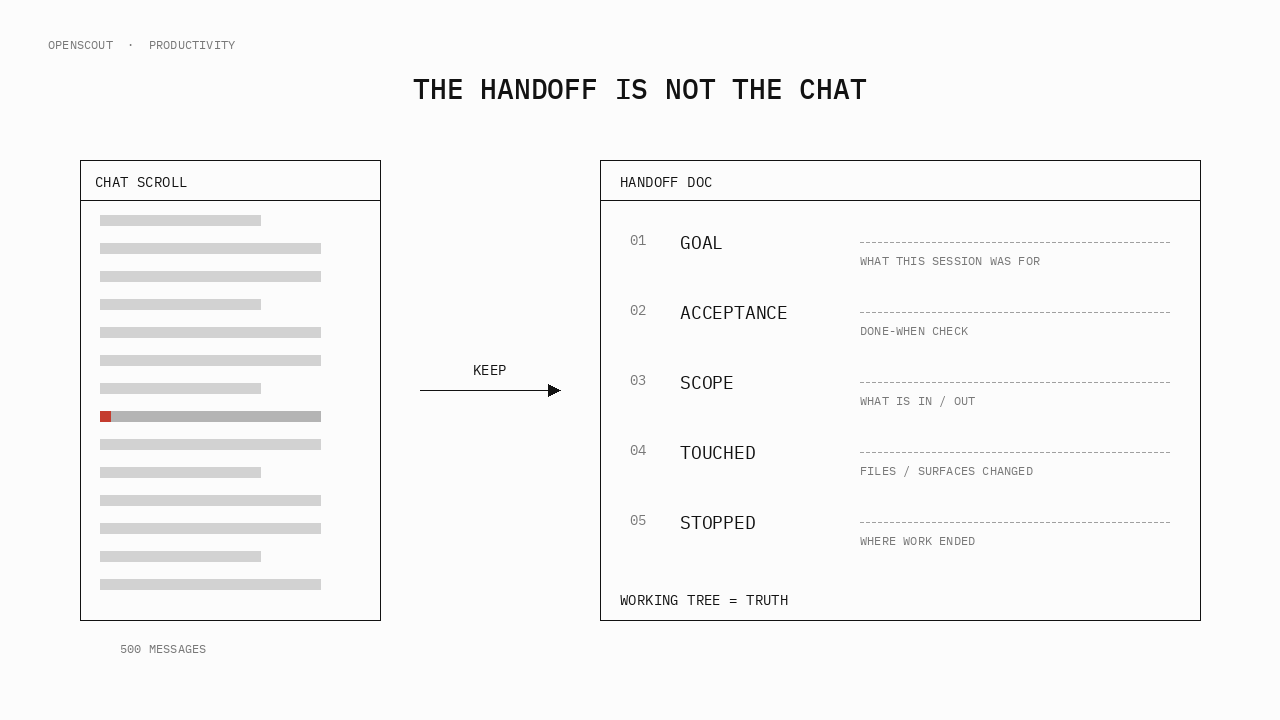
Hand agent work to a teammate with useful context
Carry the objective, current revision, evidence and next action into the next person's working session.
A useful handoff helps another person act. It explains what the team was trying to achieve, where the work stands, what has already been checked, and which decision remains. With those details close to the artifact, a teammate can continue without replaying the entire investigation.
This matters when the original requester goes offline, a reviewer takes over, or a task moves to a different coding agent. The next person may have a long conversation available and still lack the exact diff, accepted requirement or first useful action.
Five core fields, plus ownership and evidence
Put the brief where the recipient already works: the PR description, an issue comment, or a handoff document next to the change. Keep the conversation as supporting context and link the decisions that matter.
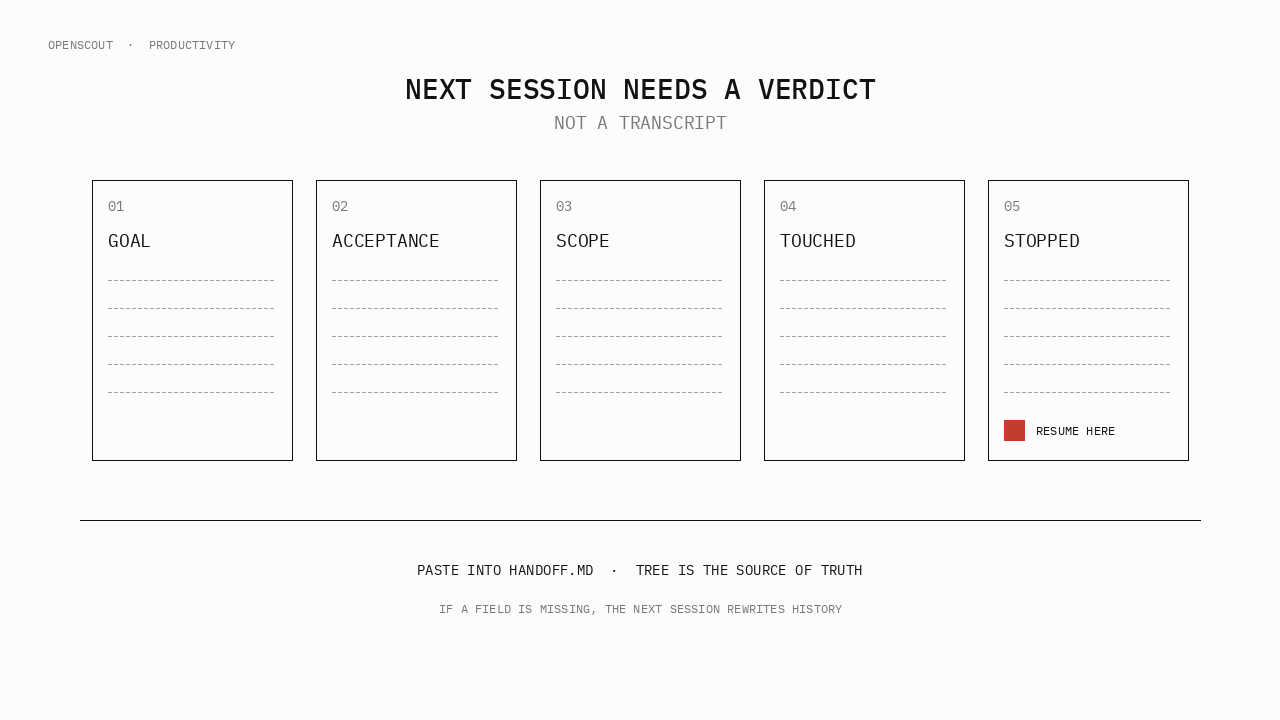
| Field | Question it answers |
|---|---|
| Goal | What outcome is the team trying to reach? |
| Acceptance | What observable checks establish that outcome, and who decides? |
| Scope | Which files and actions are permitted, and which constraints apply? |
| Touched | What changed, in which repository and at which exact revision? |
| Stopped | What is the current state, unresolved question and first next step? |
For a teammate handoff, also name the next owner and attach evidence and references. Include actual check results, known failures, decisions and the returned work handle. If a check was not run, keep that explicit.
Use the handoff builder and choose Load teammate example, or download the teammate-handoff template↗. These are illustrative examples; replace placeholders with evidence from your work.
Example: the implementer leaves before the review
A developer has prepared a retry change. Their teammate will check the behavior and arrange review. The following is a fictional scenario, not a captured run or a claim that tests passed:
Goal: Finish review of a retry change before the maintainer decides
      whether to accept it.
Acceptance: Non-retryable writes take no second attempt. Retryable
            operations respect the existing attempt limit.
            The named maintainer owns acceptance.
Scope: src/retry.ts and src/retry.test.ts. First inspect and report;
       ask before editing. Keep the public API unchanged.
Touched: Example paths above. Add the actual repository, base and
         head revision, plus any uncommitted diff before handing off.
Stopped: A patch is prepared in this scenario. Its behavior is not
         verified here. First confirm access to the referenced
         revision, then inspect the retry eligibility rule.
Next owner: Replace with the teammate who has agreed to take the task.
Evidence: No checks were run for this example. Add real results,
          failed checks and the source of the retry requirement.
Work reference: Add the original returned Scout reference if available.
Open question: Does every caller declare retry eligibility explicitly?The recipient can identify the intended behavior, first check and decision still owed. They should not mark the work accepted while the revision and evidence remain incomplete.
For a result ready to review, attach the more detailed review packet. Continuing implementation and accepting the result need different next actions.
Confirm access before transferring responsibility
The recipient needs an authorized route to the repository, evidence and task record. A local path on your laptop may be meaningless on theirs. A private CI link may require membership they do not have.
Check these conditions together:
- The recipient can open the repository and exact revision or patch.
- Evidence links are available to them and safe to share with the intended agent/provider.
- The next owner has agreed to the assignment and knows the acceptance owner.
- Existing work that is still running has been identified, so the handoff does not accidentally start a duplicate.
- The recipient knows whether to inspect an existing task or start a fresh, explicitly scoped one.
Sharing a brief does not transfer provider credentials, machine permissions or a live harness session. If an existing session is unavailable, use an authorized fresh session with selected context and an explicit task boundary. State which earlier context it has not received. The context portability guide explains that choice.
Use the returned Scout reference for tracked work
When the recipient has authorized access to the relevant broker and the supported continuation path, the original reference connects them to the existing coordination record. Replace RETURNED_REF with that exact value:
These commands inspect existing work. A wait timeout does not establish failure. If you intend to request more work in its conversation, a follow-up can use the reference:
The follow-up starts requested work and can use the destination provider account. Verify that routing and scope are the ones you intend. A reference identifies continuity in Scout; it does not promise that every person can take over every native harness session. See agents and collaboration and the runtime-session contract↗.
OpenScout's present scope is high-trust local developer pilots. The broker keeps Scout-owned coordination records and observes external harness activity. It does not automatically import the other harness's complete transcript into a new worker. Data ownership explains those boundaries.
Ask the recipient to read back the next action
A short acknowledgement catches missing context before work begins:
I can access:
The revision I will inspect:
My next action:
The check I will use:
The question or permission still needed:
Where I will return the result:
Resolve any specific gap before the dependent work begins. Once the recipient acts, update the handoff with the new revision, actual evidence and next owner. Keep earlier references where they explain how the work reached this state.
For a pilot, measure time to the recipient's first valid action, repeated investigation and missing-context questions. These are observations to collect; this guide does not claim a measured improvement.
Use the work-tracking walkthrough to find the current state, then leave the next person one brief they can use and evidence they can inspect.